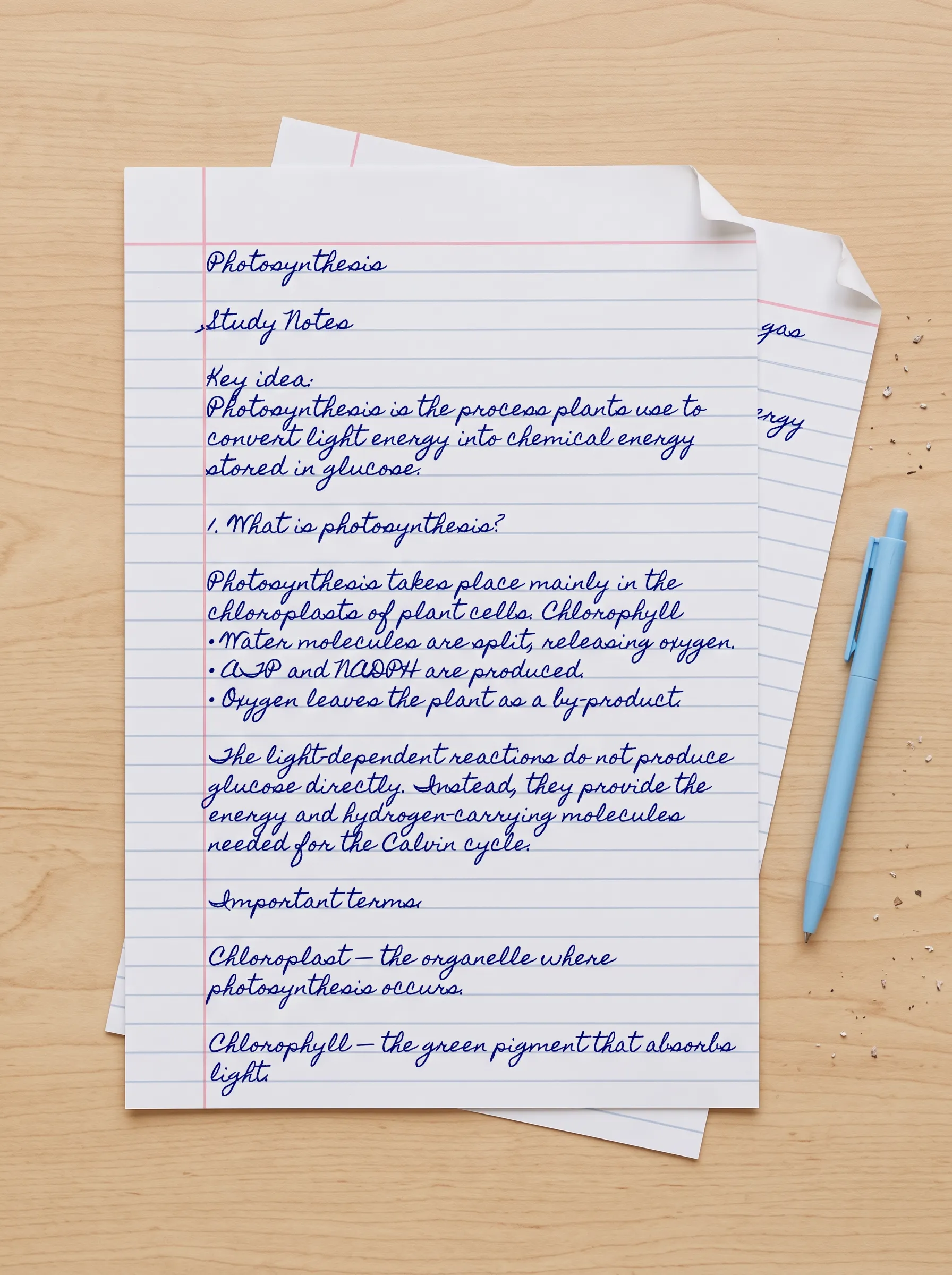
Example: Study notes converted to handwriting
Typed study notes converted into handwritten pages on lined paper.
 AiTextToHandwriting
Type or paste your text, choose a handwriting font and paper style, adjust the layout, and export handwritten pages as PDF or PNG.
Quick guide: paste your text, choose a handwriting font and paper style, adjust the settings, then click Generate.
Click Generate to preview your handwritten pages.
Typed study notes converted into handwritten pages on lined paper.
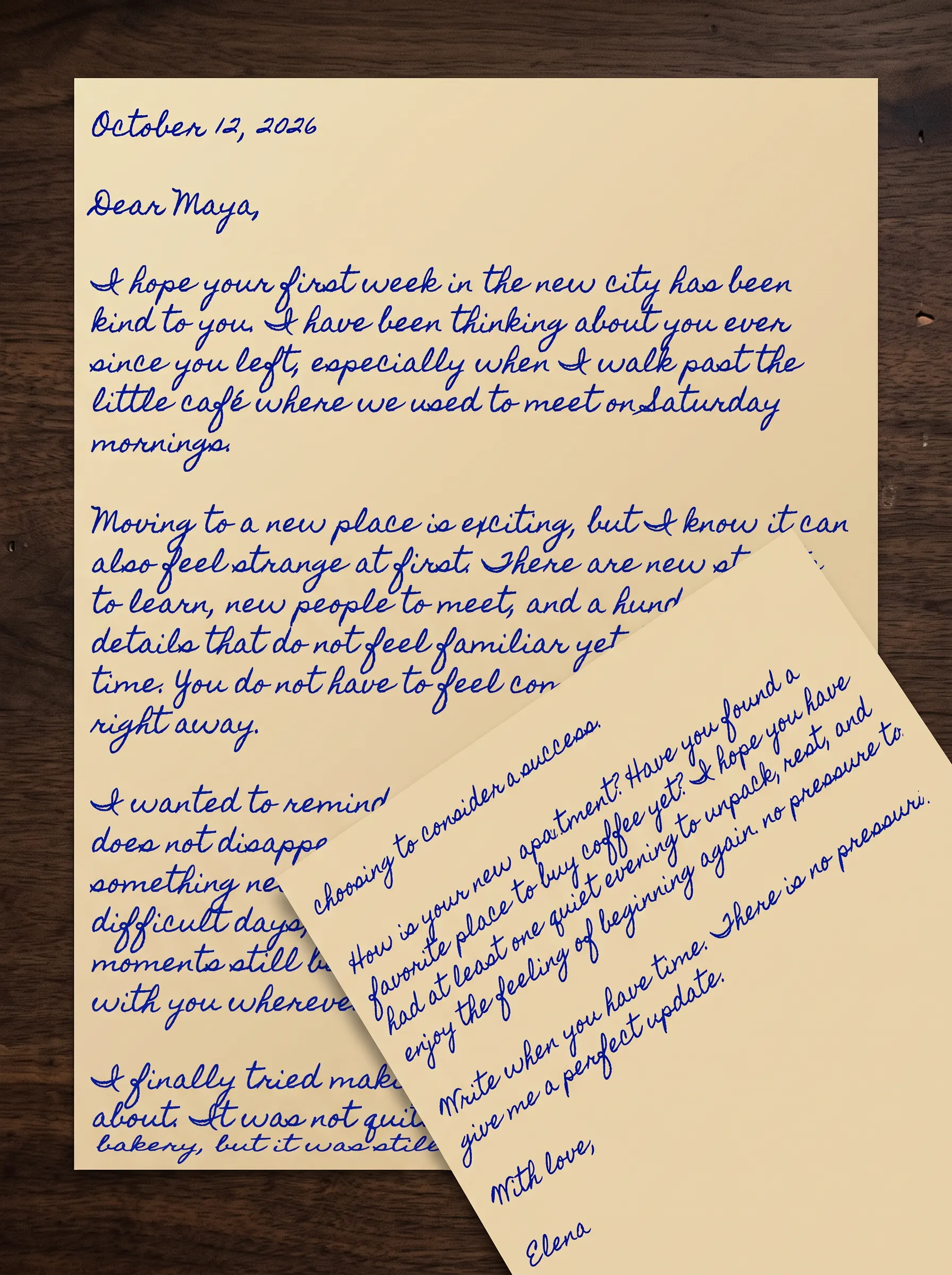
A typed personal letter converted into a handwritten-style page.
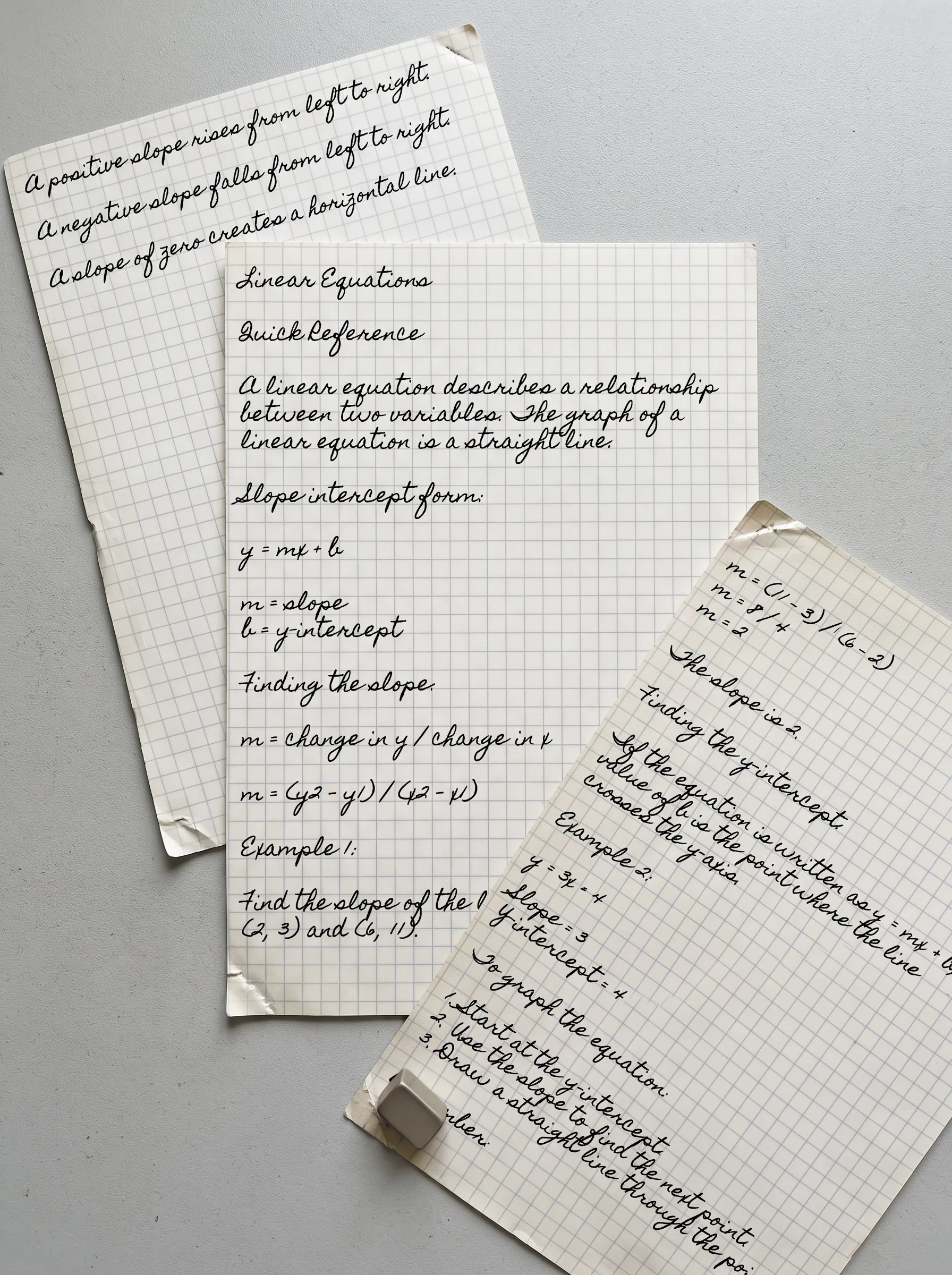
Typed notes converted into handwritten pages with a grid paper style.
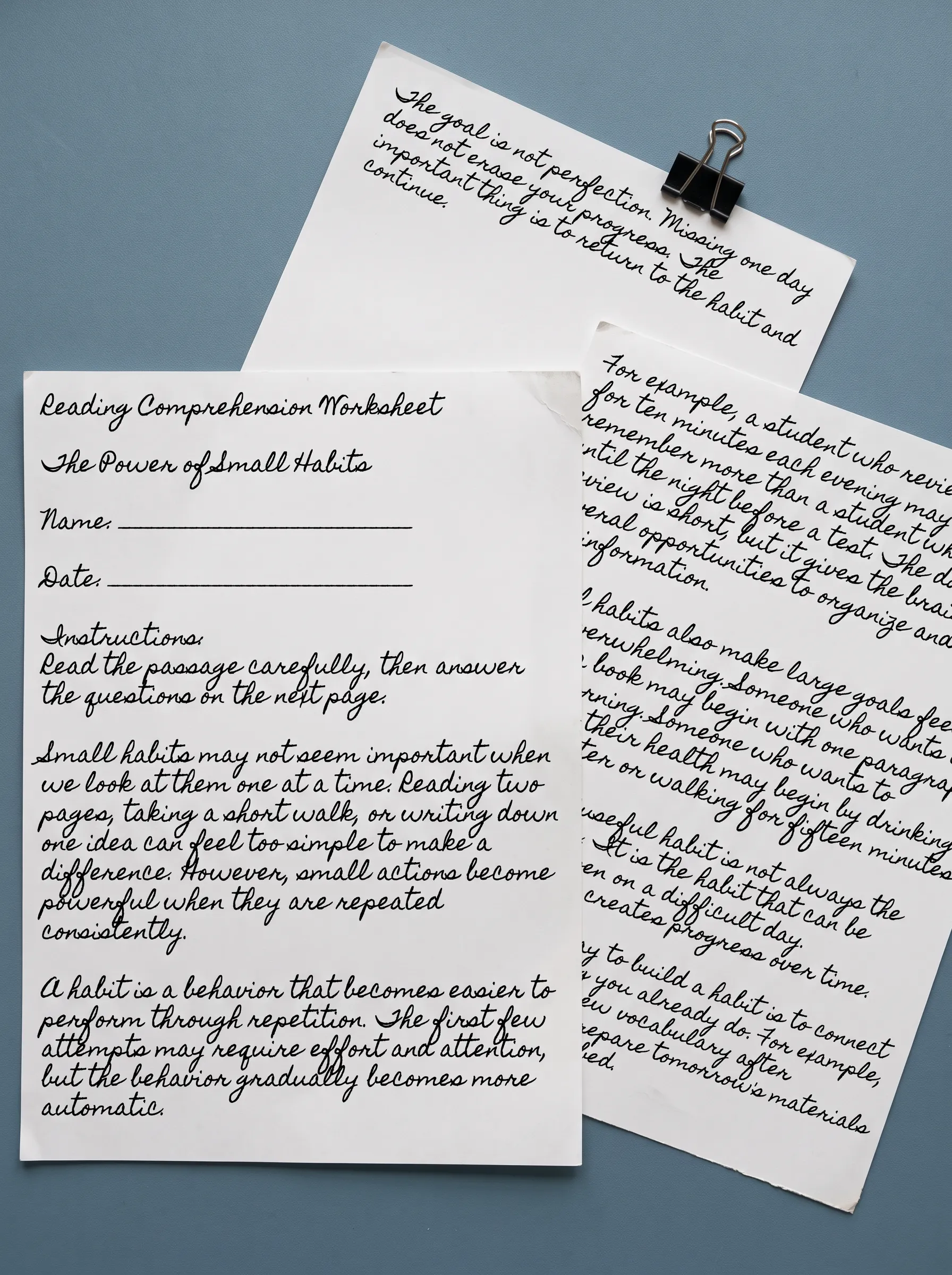
A printable worksheet created with a handwriting font and custom page settings.
Choose from different handwriting fonts to create neat, casual, cursive, or personal-looking pages. Select the style that best matches your notes, letters, worksheets, or creative projects.
Choose a paper style for the page you want to create. Lined, plain, grid, notebook, and other paper designs can help your handwritten pages fit different purposes.
Adjust the ink color, font size, line spacing, margins, and other layout settings to make the page easier to read and more suitable for printing.
Export your handwritten pages as PDF or PNG files for printing, sharing, or digital use.
Turn typed study material into handwritten-style notes for reviewing, organizing, and printing.
Create handwritten-style worksheets, practice pages, and learning materials with adjustable paper and layout settings.
Convert a typed message into a handwritten-style page for personal letters, thank-you notes, and special occasions.
Create journal pages, prompts, and personal writing layouts with different handwriting fonts and paper styles.
Use handwritten-style text for creative layouts, mockups, visual projects, and digital content.
Create handwritten-style documents that can be previewed, exported, printed, or used digitally.
Add your text directly to the editor, or paste content from another document.
Select a handwriting font and paper style, then adjust the ink, size, spacing, and page settings.
Review the handwritten pages in the editor and export the result as a PDF or PNG file.
AI Write is not available yet. The current text to handwriting converter works with text that you type or paste into the editor.
Type or paste your text into the editor, choose a handwriting font and paper style, adjust the page settings, preview the result, and export the handwritten pages.
Yes. You can choose from the available handwriting fonts in the editor and preview how your text looks in each style.
Yes. Select from the available paper styles, such as lined, plain, or grid designs, depending on the type of page you want to create.
The current editor supports up to 30 handwritten pages per document. When a document exceeds 30 pages, the preview stops at page 30. Longer documents should be split into smaller parts.
Yes. PDF and ZIP exports follow the same 30-page document limit. You can also export the currently selected page as a PNG image.
You can export a single handwritten page as a PNG image, download a multi-page document as a PDF, or export multiple pages as a ZIP file containing PNG images.
No account is currently required to use the text to handwriting converter. You can type or paste text directly into the editor and create handwritten-style pages.
The current basic text to handwriting converter is free to use. Future advanced features may have separate availability or pricing, which will be shown clearly before use.
Yes. Export the handwritten pages in a supported format and print them using your preferred paper size and printer settings.
AI Write is a planned writing assistant that will help users draft or rewrite text before converting it into handwritten pages. It is not available yet.
Ready to begin
Convert your text into handwritten-style pages with customizable fonts, paper styles, and page settings. Start in the editor above and create a page that fits your project.